Review Your Anticipated Financial Aid Based on your Current Enrollment
If you are enrolled in less than 12 eligible credits, the financial aid you see offered on your myNOVA account may be reduced after the term census date (the last day to drop with a tuition refund for the longest session of the fall, spring, or summer term as shown on the Academic Calendar). Follow the steps below to view the amount of financial aid you qualify for based on your current enrollment and to determine if it is enough to cover your charges.
View Total Charges and Pending Financial Aid
- Log in to myNOVA.
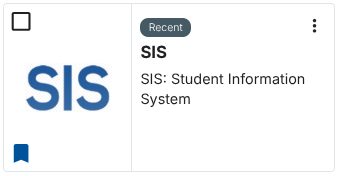
- Click SIS: Student Information System.
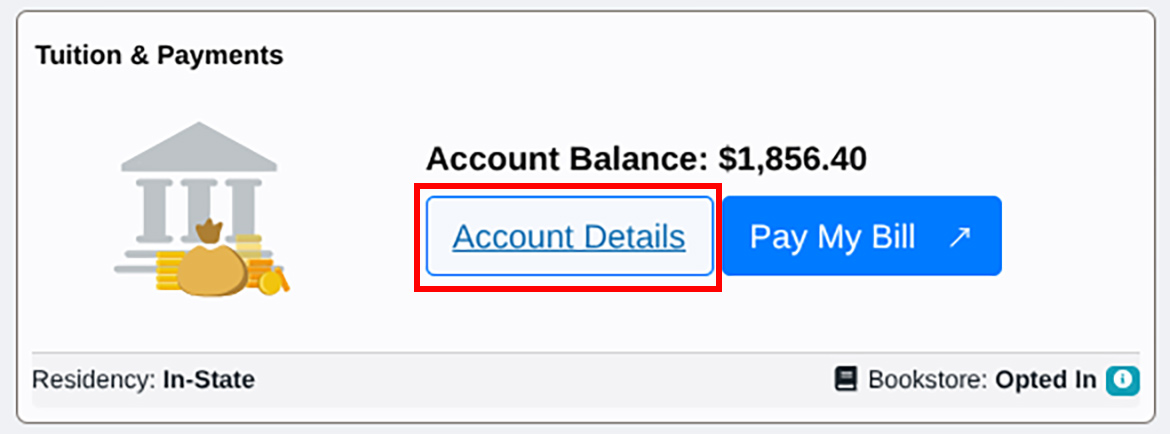
- Click on Account Details in the Tuition & Payments tile.
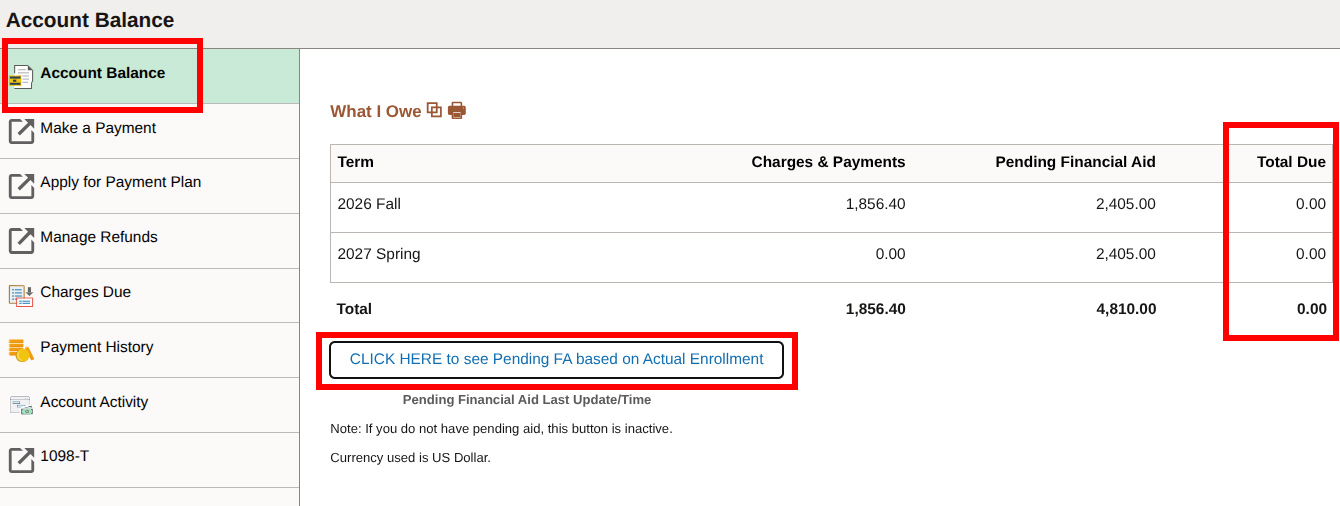
- Under the Account Balance section, click on CLICK HERE to see Pending FA based on Actual Enrollment. Be sure to pay any Total Due by the payment deadline to avoid potentially being dropped from courses for non-payment.
Important Notes:
- Courses that do not apply to your degree or certificate are not eligible for financial aid and are not included in the Pending Financial Aid calculation.
- If you accepted a federal Direct Subsidized or Unsubsidized Loan, you must enroll in at least six eligible credits and complete the Master Promissory Note and Entrance Counseling before the loan is counted as Pending Financial Aid.
If your Pending Financial Aid is MORE than your Charges & Payments, the Total Due section will reflect a $0 balance as shown below and you will not need to make a payment at this time.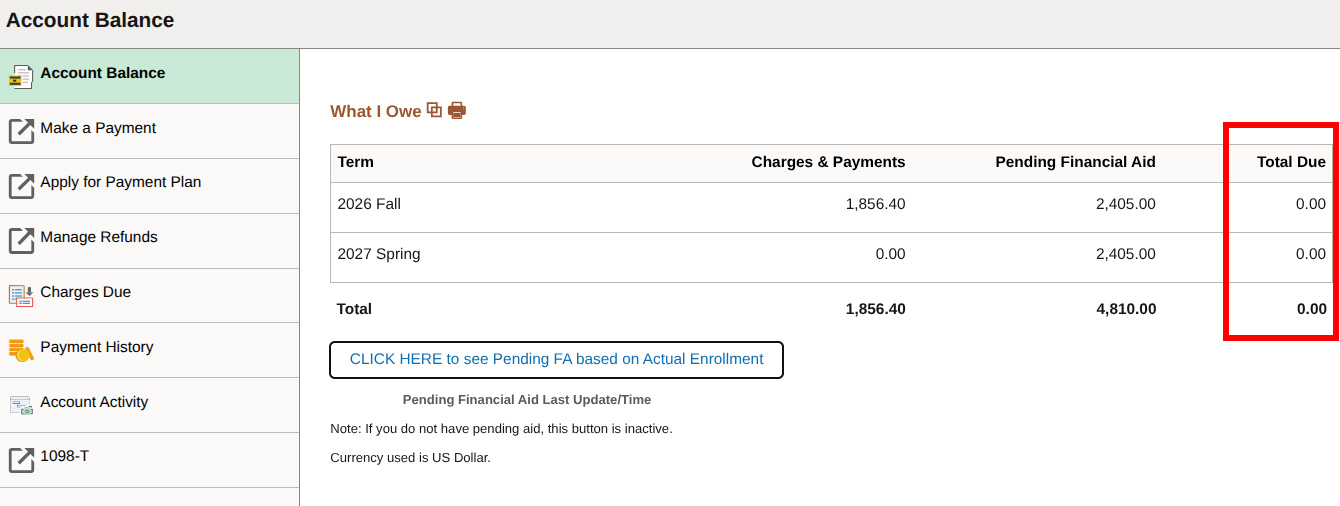
If your Pending Financial Aid is LESS than your Charges & Payments, the remaining balance that you still owe will be displayed in the Total Due section.
Be sure to pay the Total Due by the payment deadline.
If your financial aid is not enough to cover the Total Due:
- Enroll in a payment plan.
- Make an online payment for the remaining balance.
- Accept a student loan if you are eligible to do so and if you are enrolled in at least 6 eligible credits.
- For more information, review the payment options.