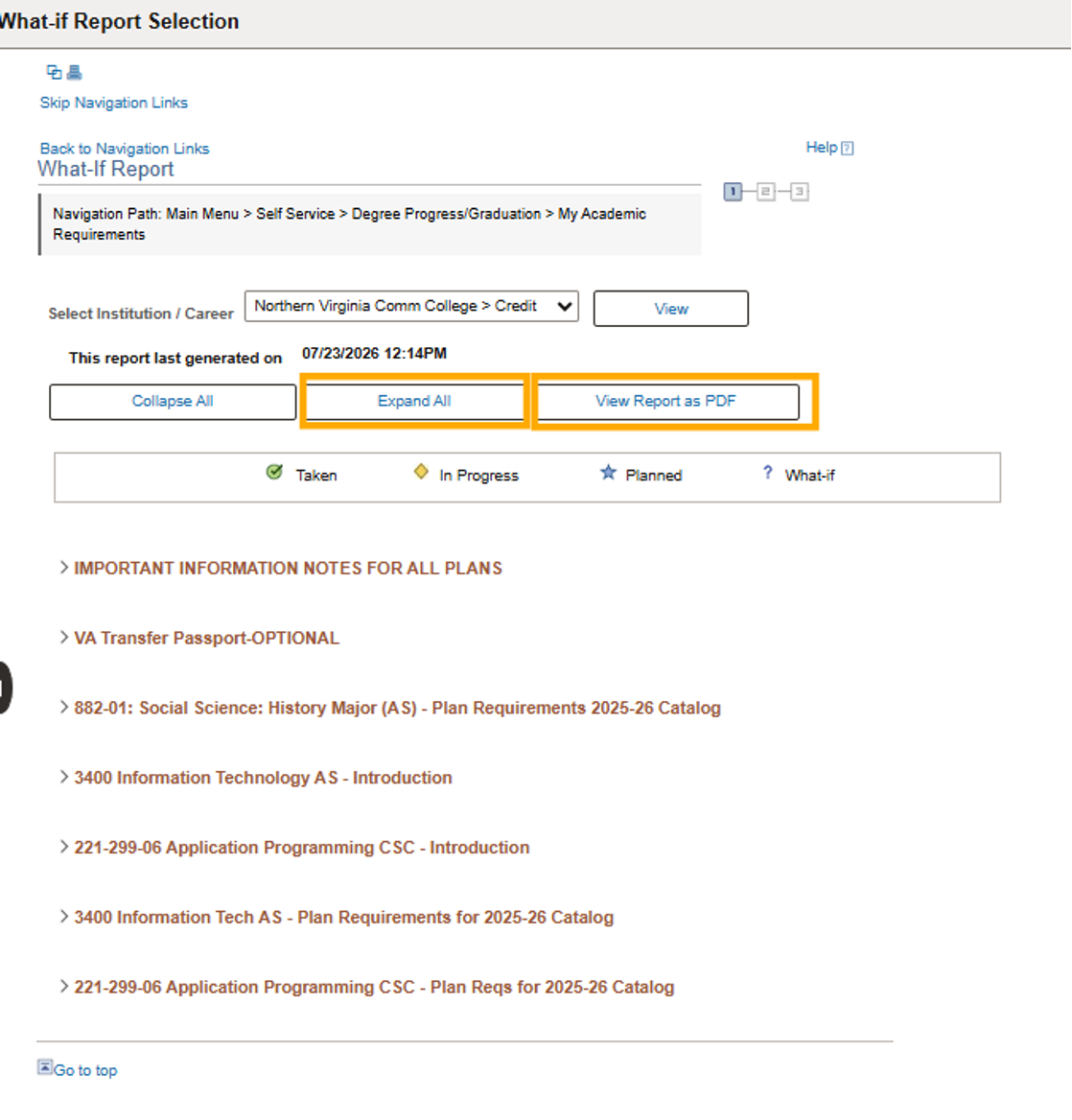
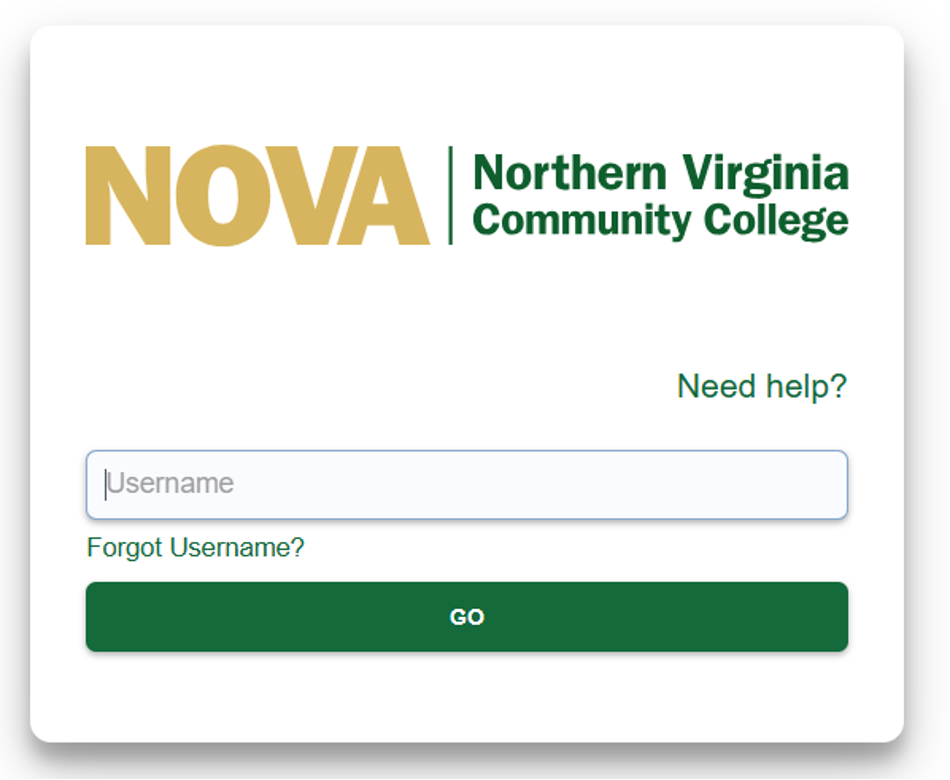
- Log in to myNOVA and click SIS: Student Information System.
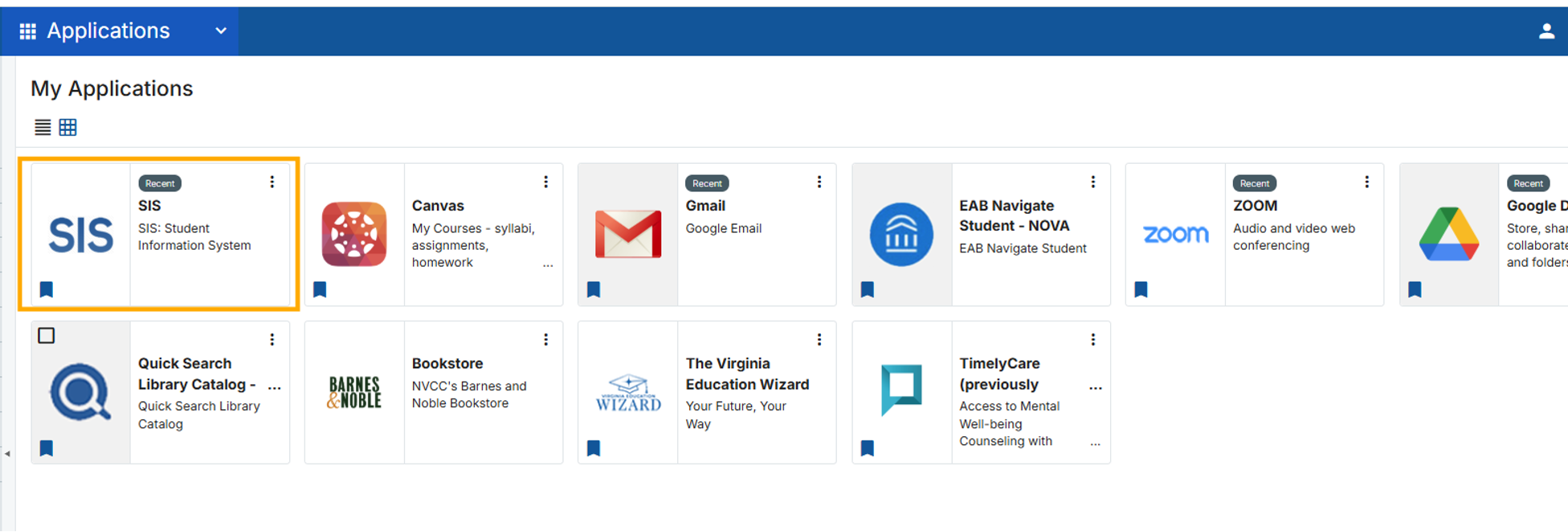
- Click on Academic Records & Progress.
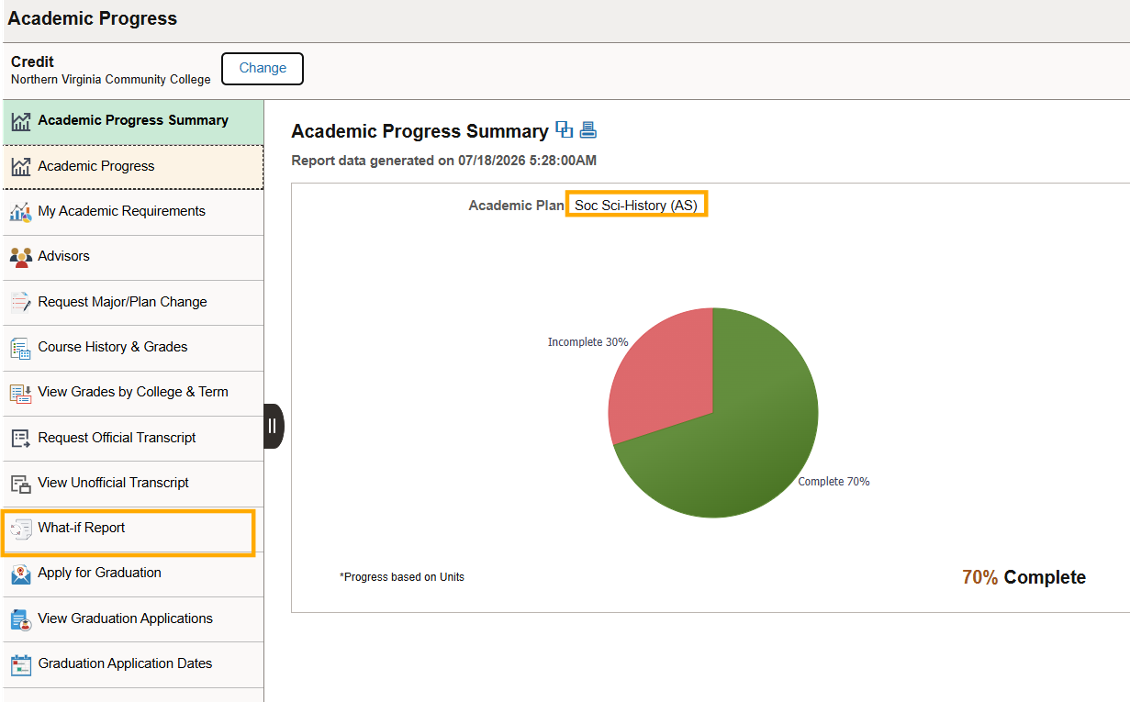
- On the left, click on What-if Report.
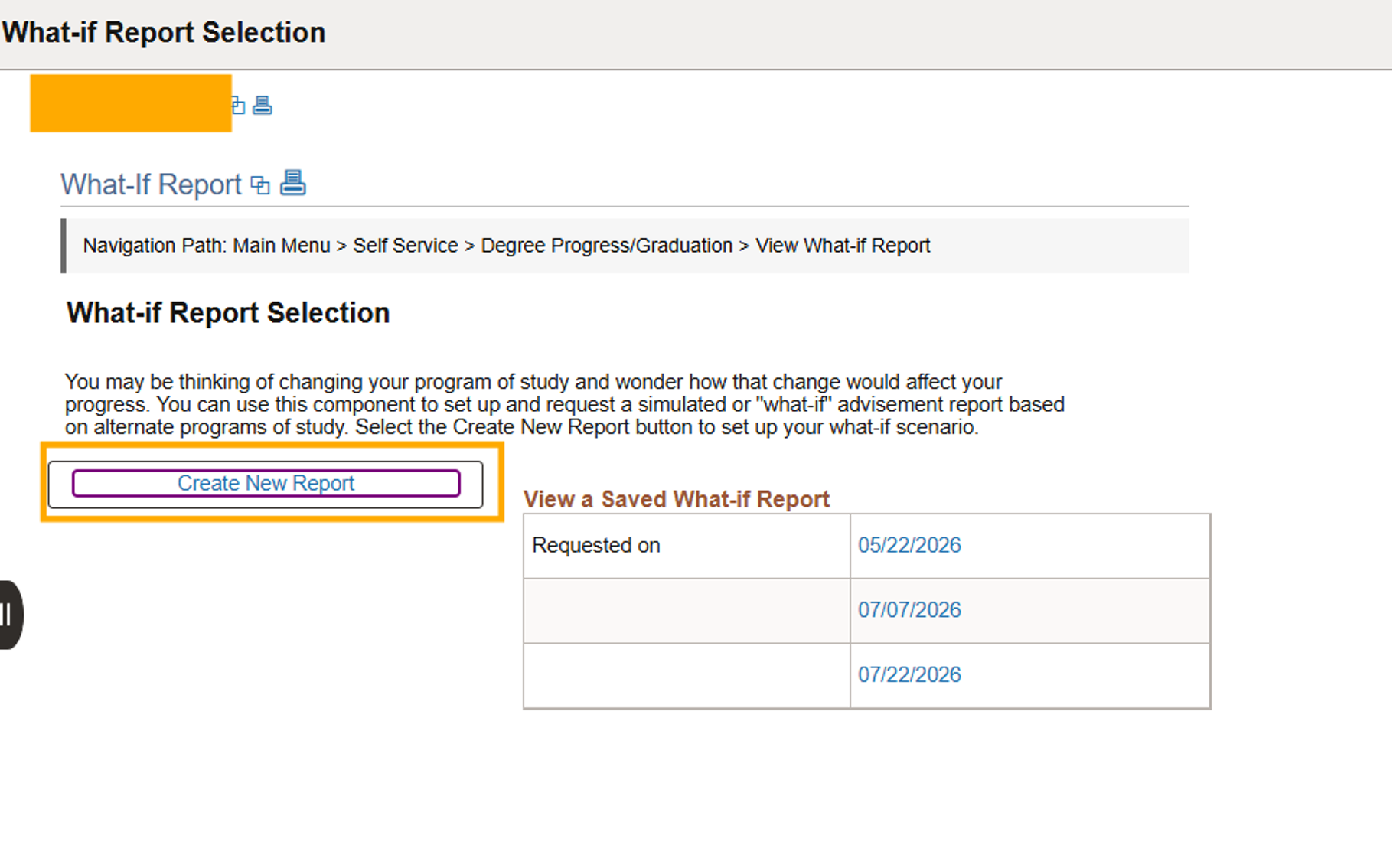
- On the left, click the Create New Report button.
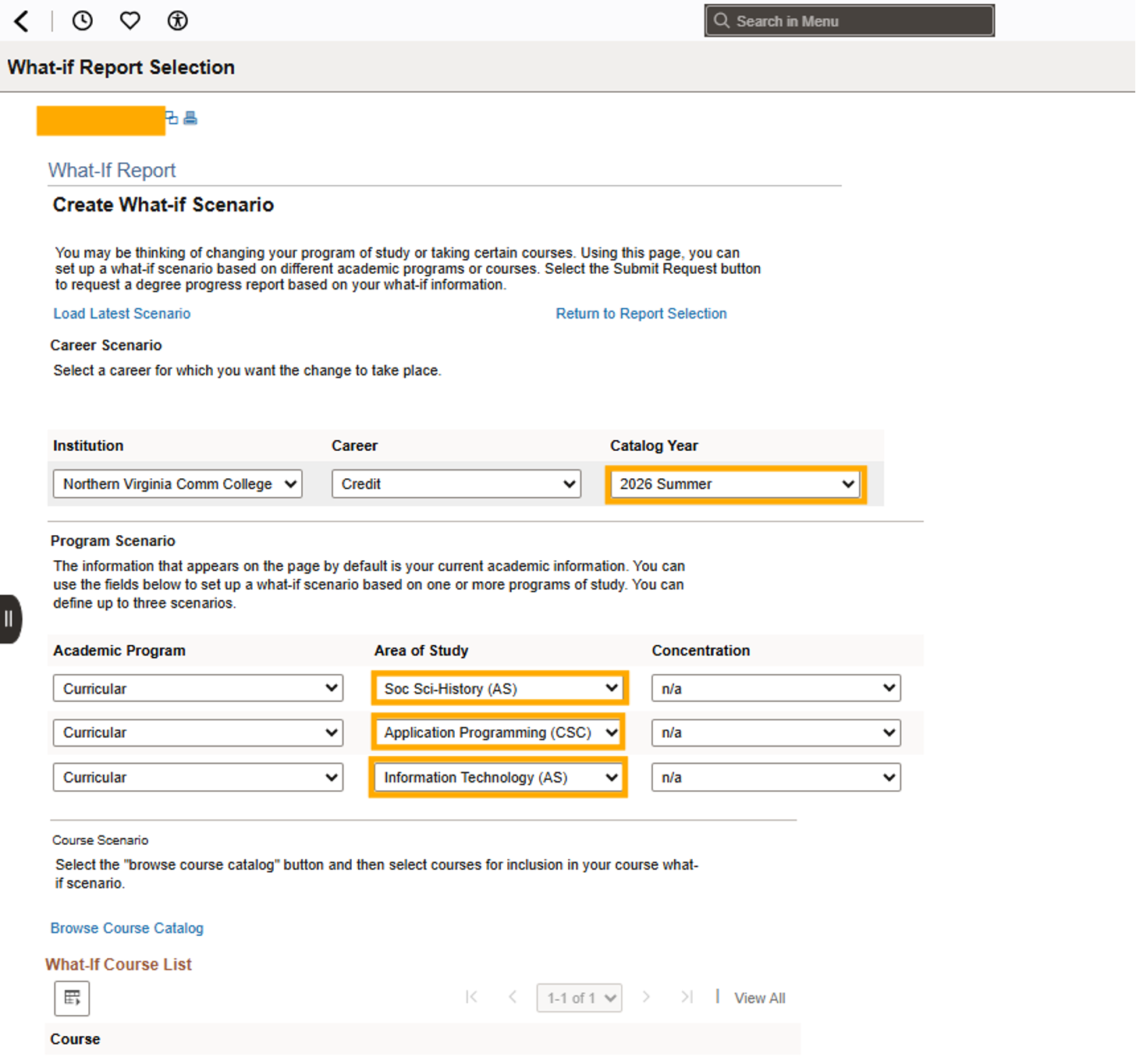
- Select a Catalog Year and up to three Areas of Study and click Submit Request.
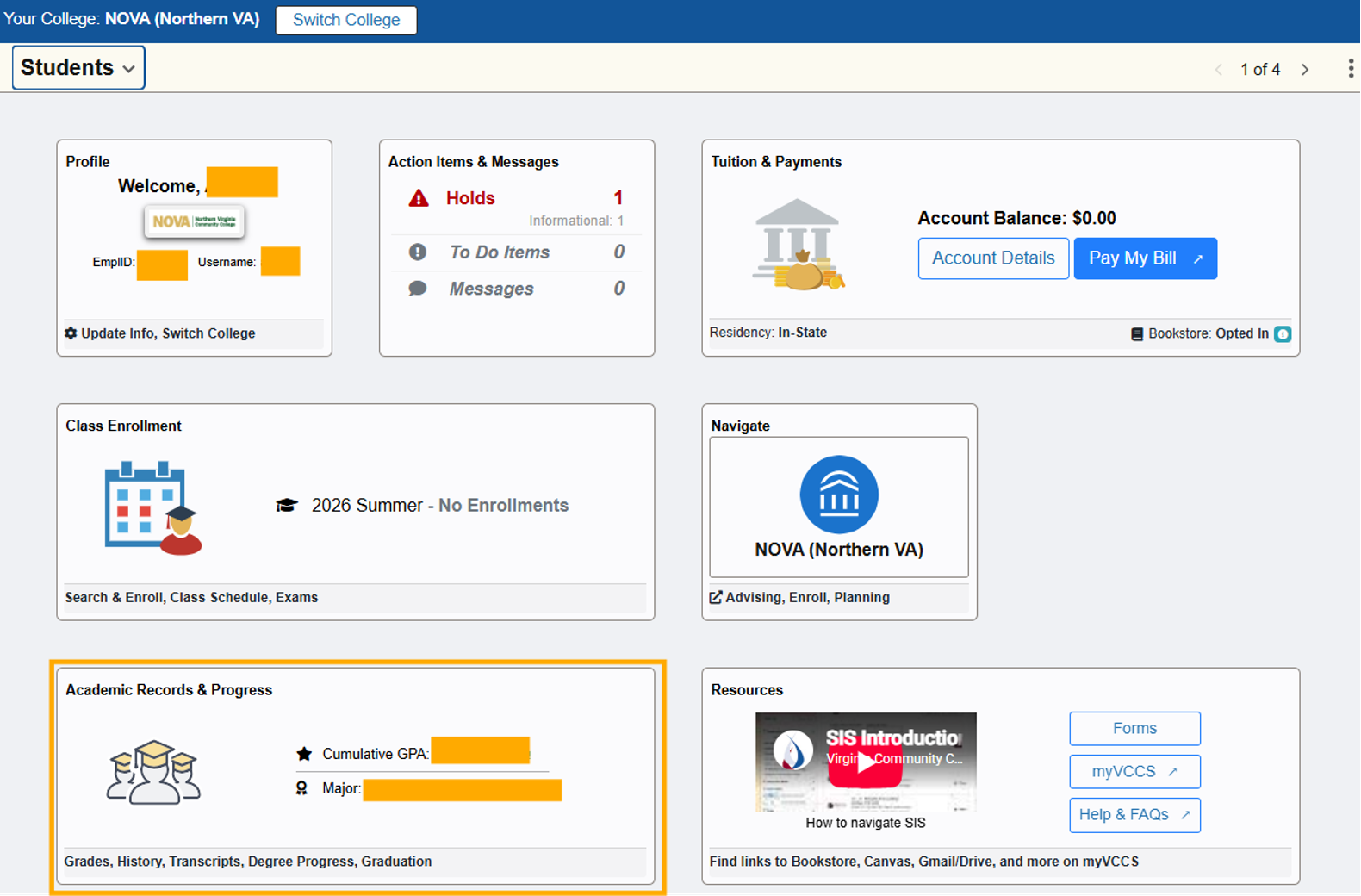
- Click Expand All or View Report as PDF.