Logging Into Your GET Account
Download the App by scanning the QR code or visit the website: htps://get.cbord.com/nvcc/full/login.php
**Chrome Web Browser Works Best**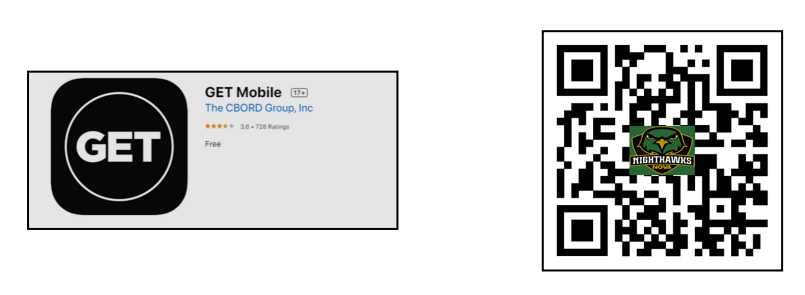
Logging In Through The Mobile App
- Select the Option to Search All Institutions
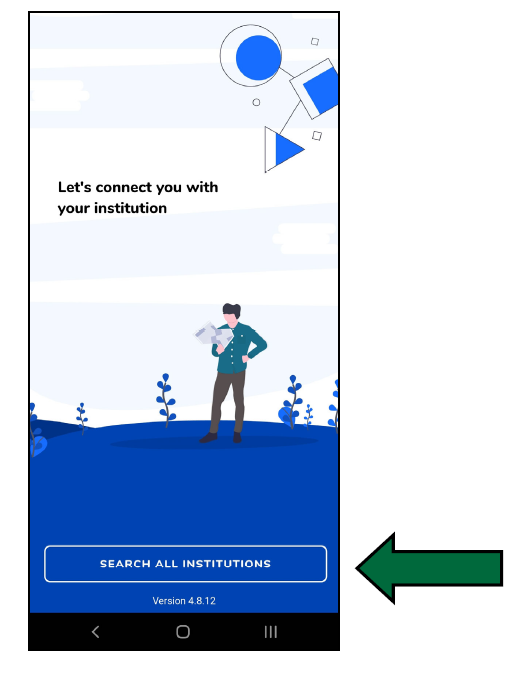
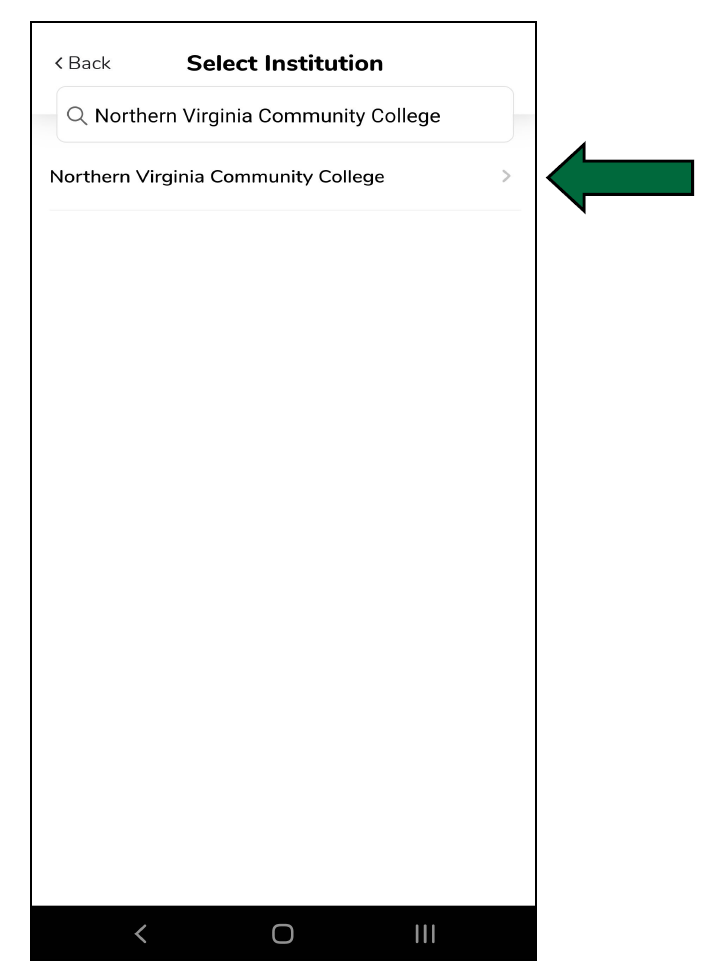
- Search for “Northern Virginia Community College” and select it
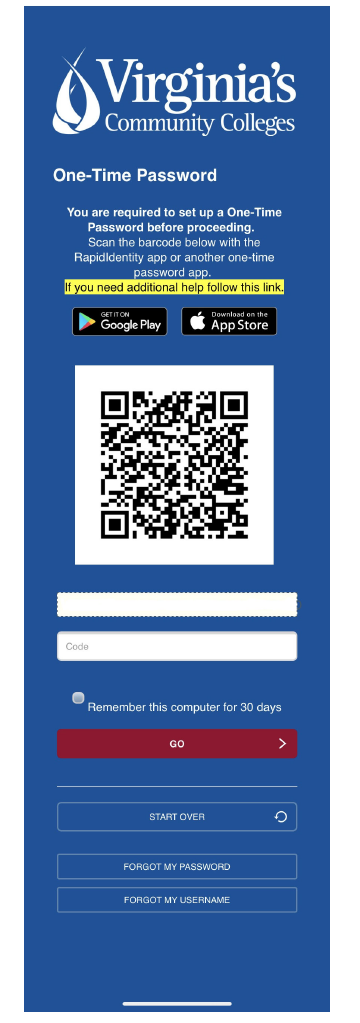
- Login using your myNOVA information. The first page will request your myNOVA username
- Enter your myNOVA password
- You will be asked to verify using Muli‐Factor Authentication. For questions about setup, please contact the IT Help Desk at ithelpdesk@nvcc.edu.
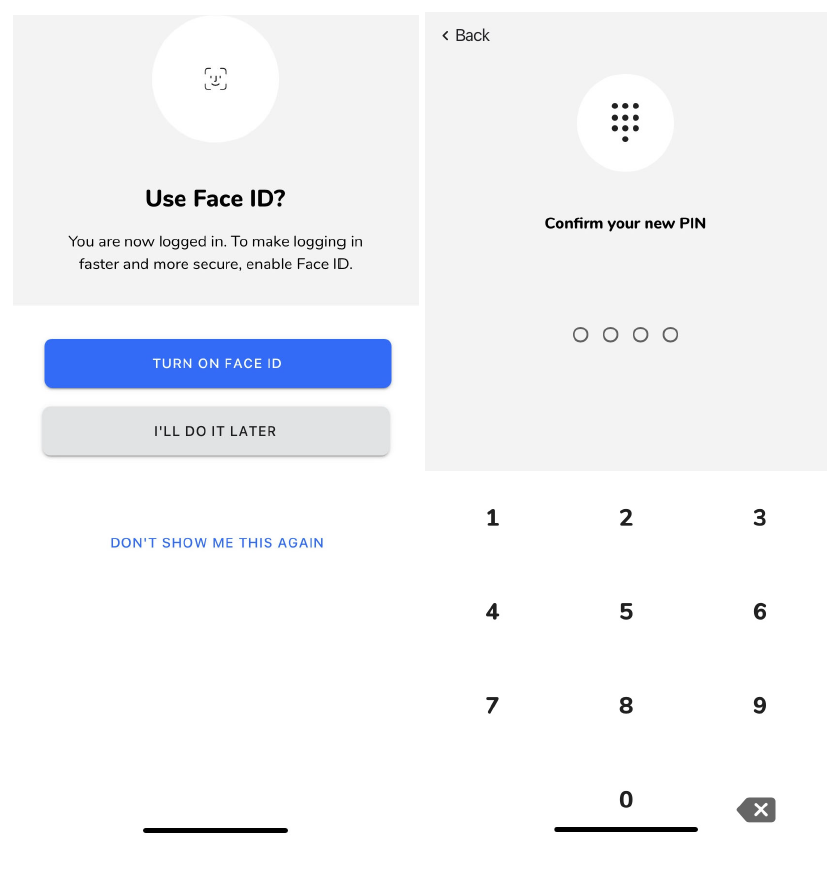
- You will be prompted to set up a Face ID and/or PIN to be used for future logins
Accessing Your Account Online
To Get to the Online portal you can use the direct Website: https://get.cbord.com/nvcc/full/login.php
Or click on the box at the bottom of the NOVACard main page
- Sign in by first entering your myNOVA username and selecting ‘GO’
- Enter your myNOVA Password and select ‘GO’
- You will be asked to verify using Multi‐Factor Authentication. For questions about setup, please contact the IT Help Desk at ithelpdesk@nvcc.edu.